2026 SOFTWARE CONTEST
Event Duration : March 1 to March 31, 2026
Do you have a special event coming up in your life? A birthday, graduation, or high school reunion?
Submit your favorite page from a photo album, flyer, greeting card or calendar page. In the message section, highlight some of the items you incorporated in your page - Tell your story! If your page is chosen, you will receive free software from My Memories Suite.
Special Memories of your Life
🏆Winner to be Determined
Event Name : Special Memories | Event Description : 2026 Software Contest
Trish
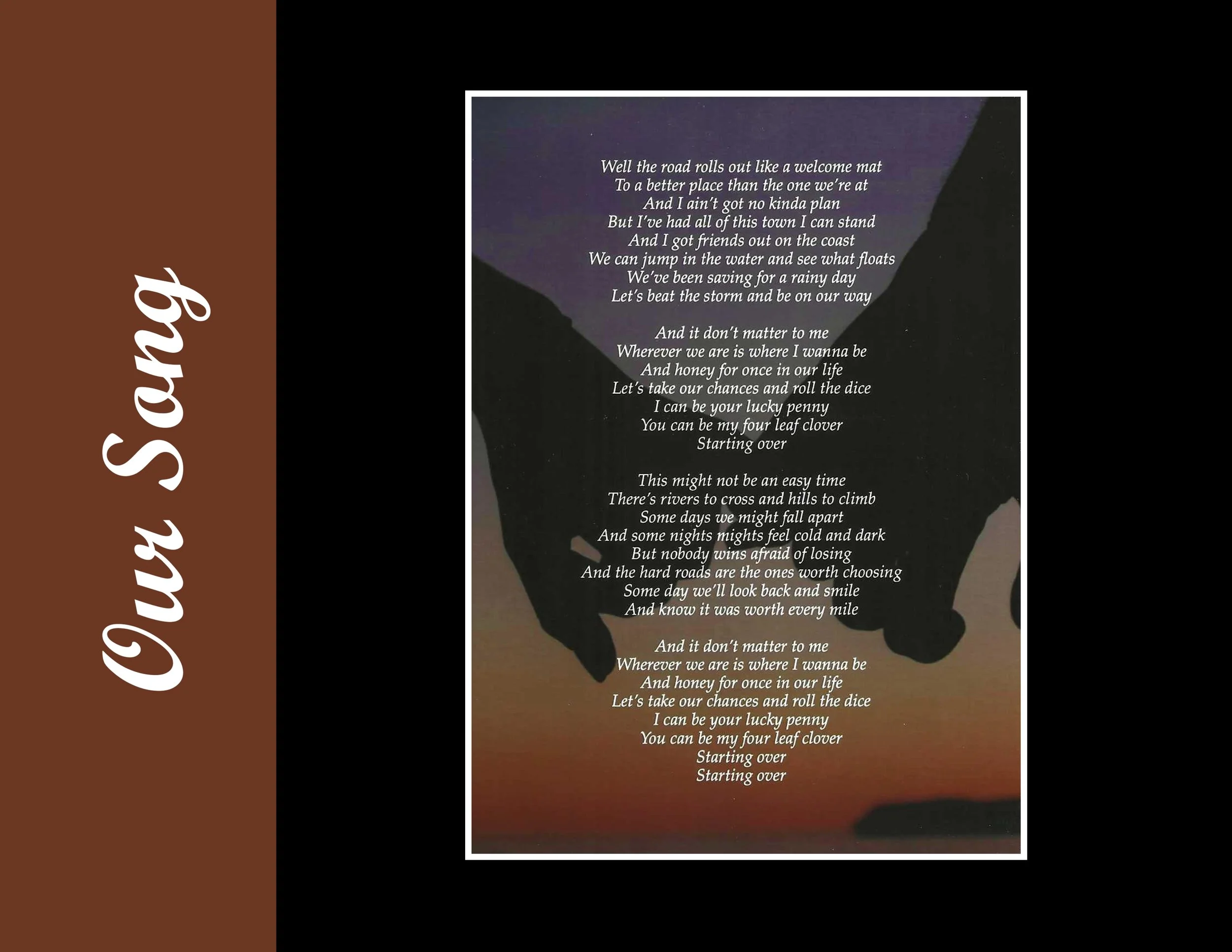
My entry is a page from my wedding album. I scanned a picture that included the words to our song, and placed it on a simple black background. Next, I used the color picker to select a color from the photograph and created a banner to match it.
Get the Software
Brianna
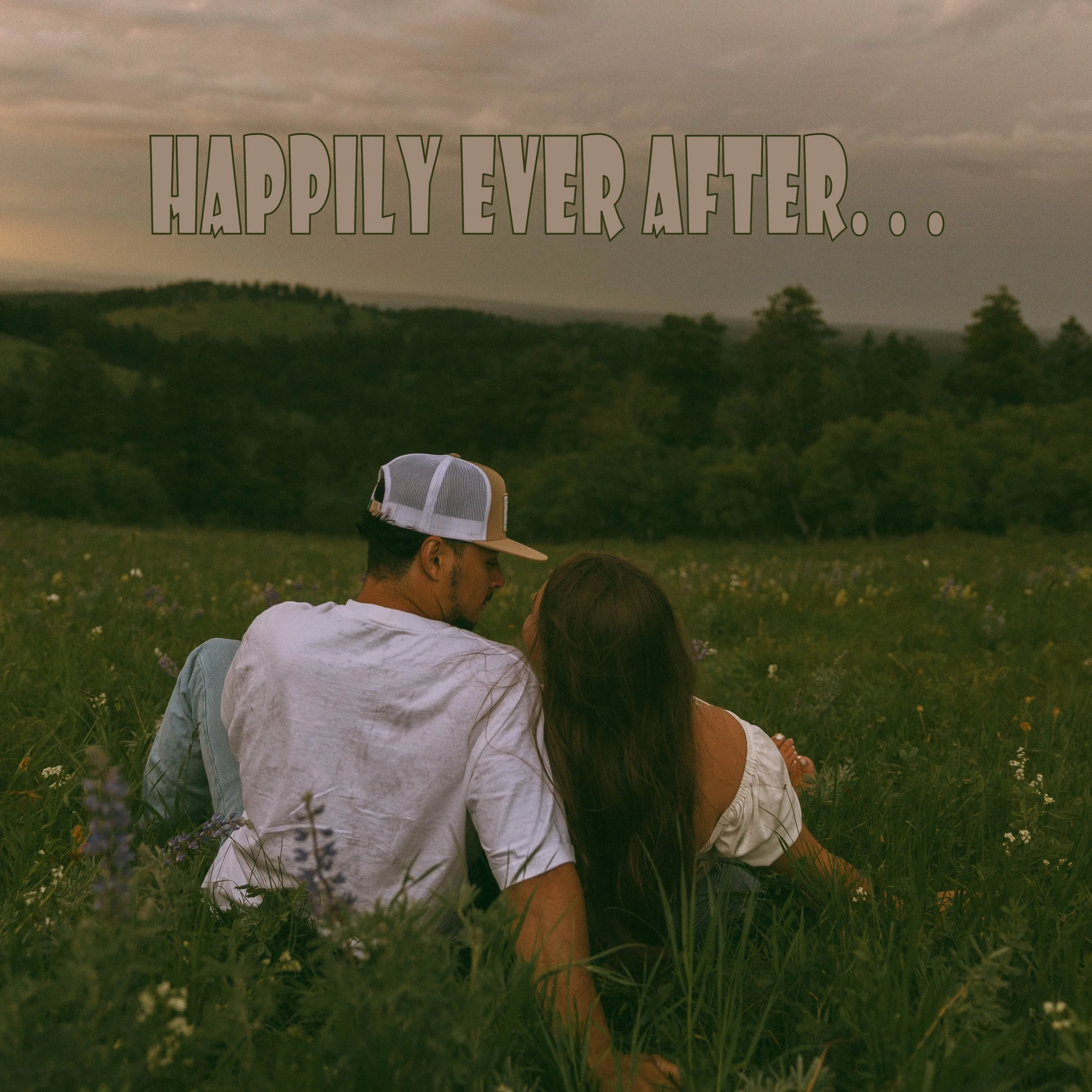
The last page of my album is a background picture of our engagement. It represents the beginning of our lives together. I used Word Art with matching colors from the picture and added a stroke of 1.
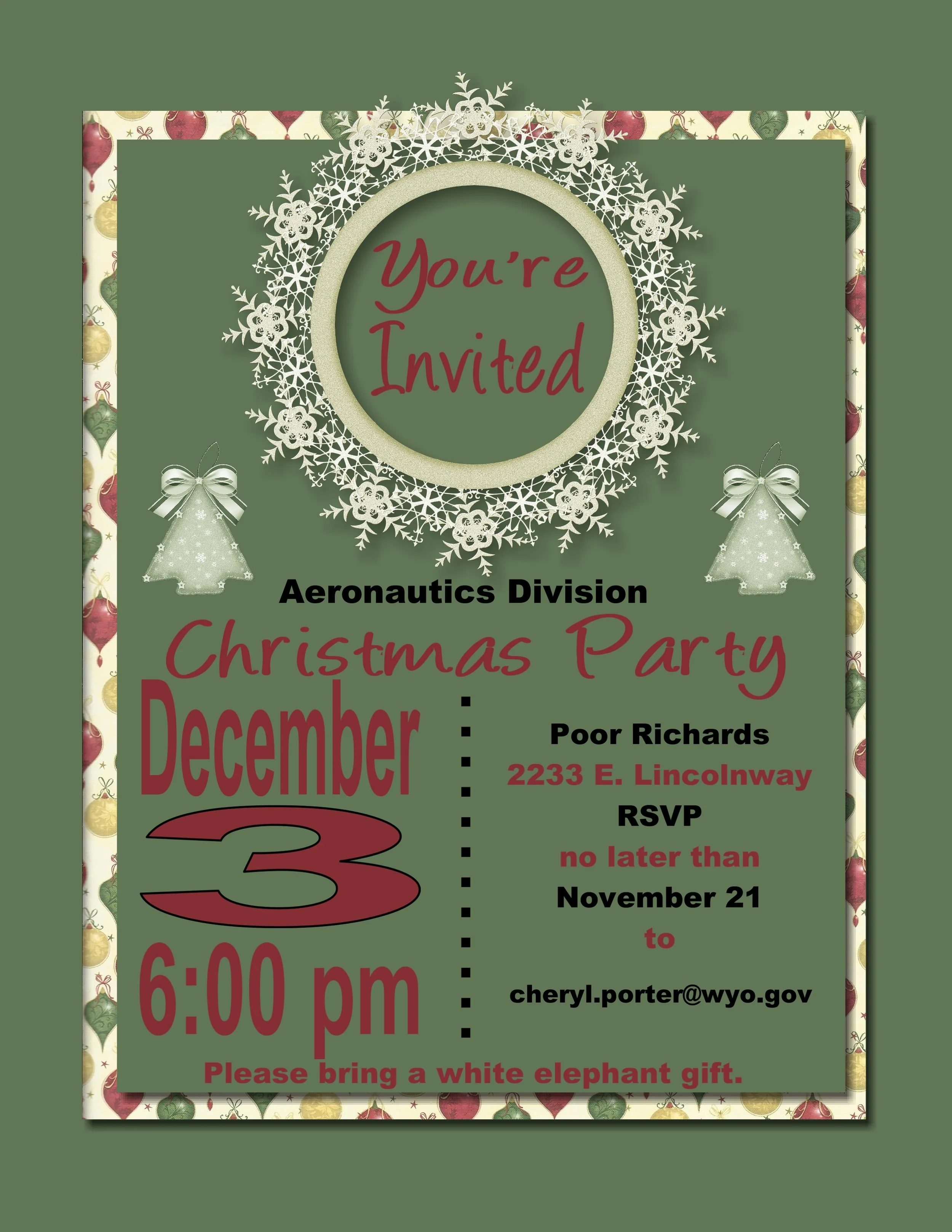
Connie
This is an invitation I made for our company Christmas party. I used a nice Christmas green for the background, and layered Christmas paper and another green rectangle, making each item with the shadow effect. I then layered it with embellishments and party information.e the Gallery
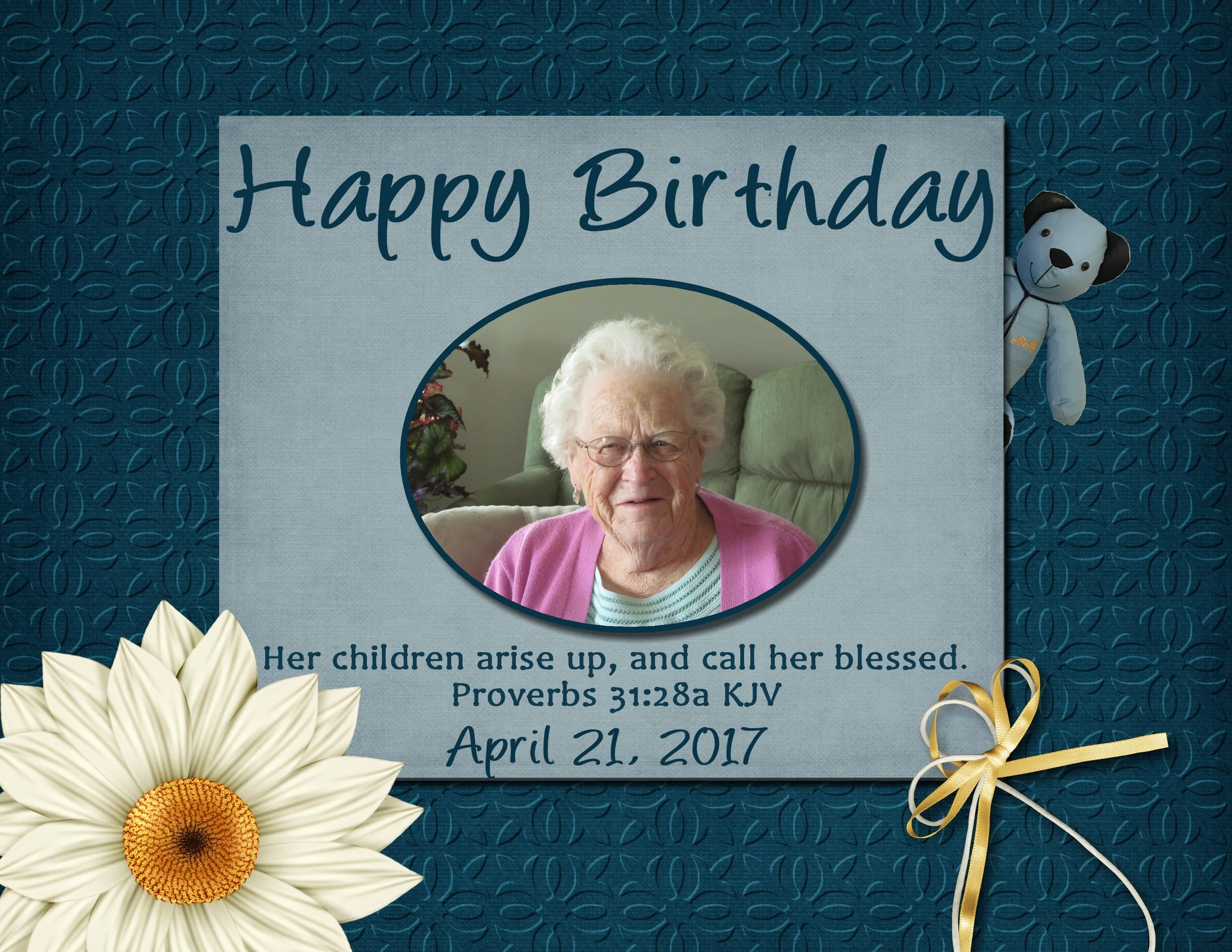
Barbara
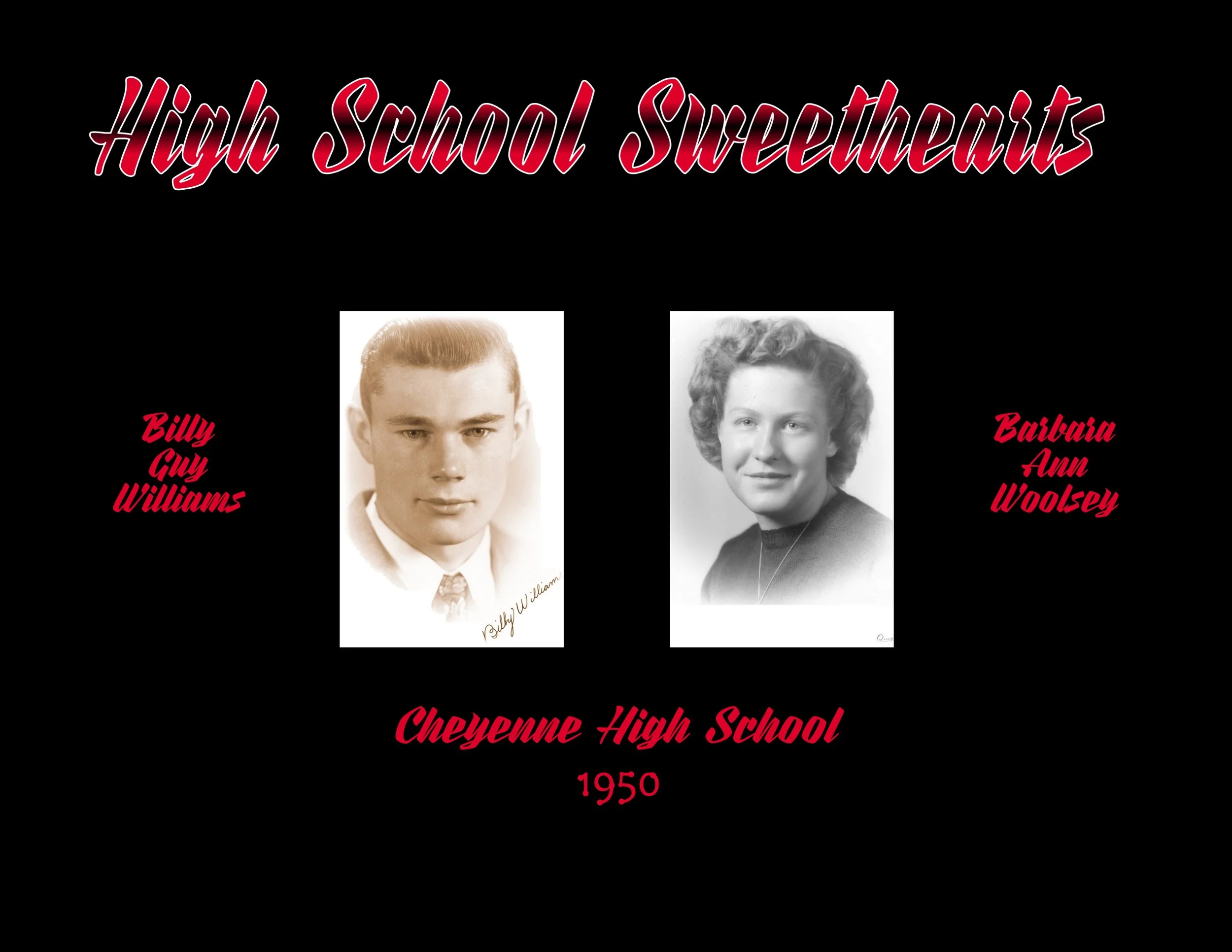
Front cover of a birthday album for my 85th birthday. It includes a textured paper for the background and various embellishments. The teddy bear that is peaking out from behind was made from one of my husbands old shirts. He is there to represent that my husband is watching over me from heaven
Tiffany
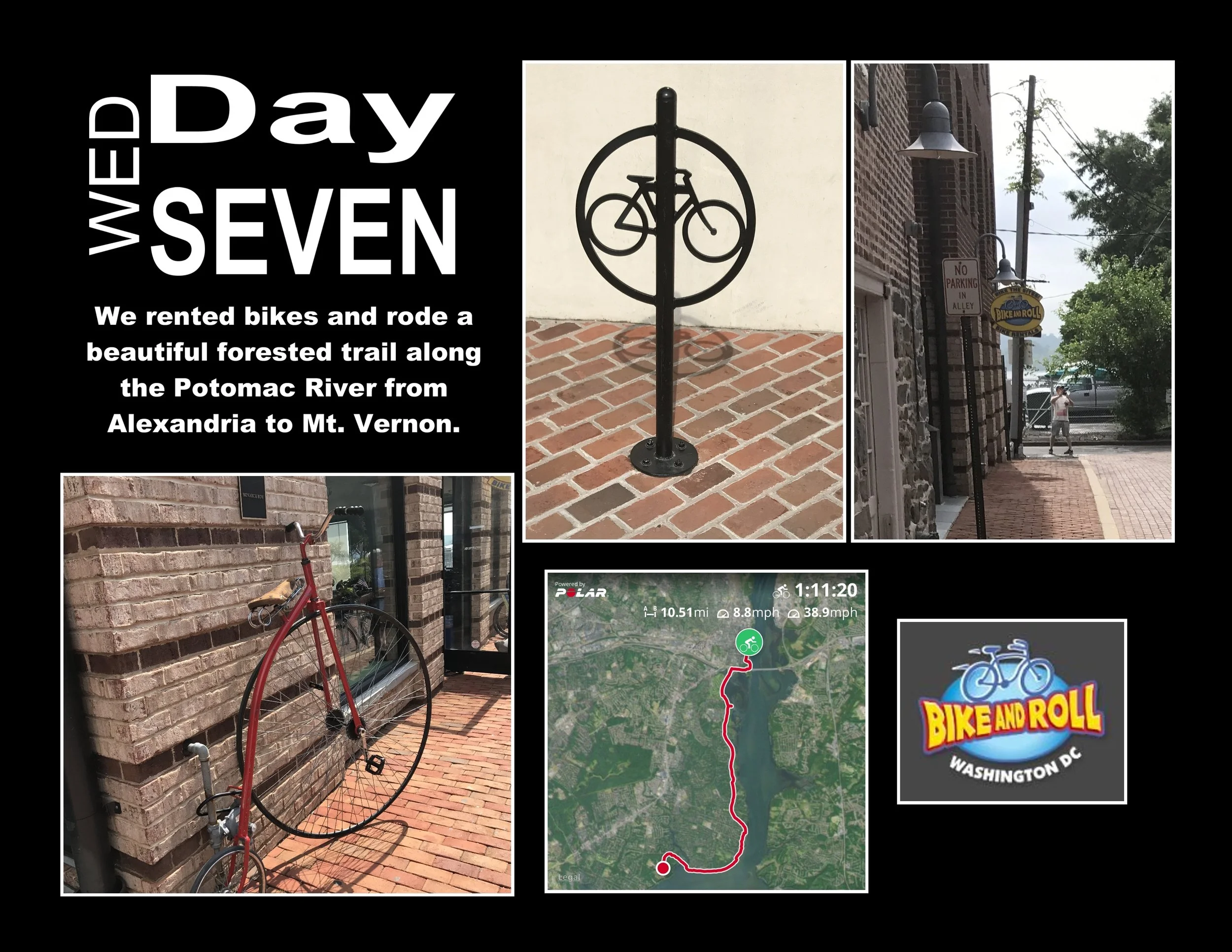
This is a page from my vacation album to Washington DC. I travelled with my friend who I ride bicycles with. We always try to incorporate a bike ride when we travel. This time it was in Alexandria Virginia. from work. I included a map of our ride and some pictures from Bike and Roll, where we rented the bikes.
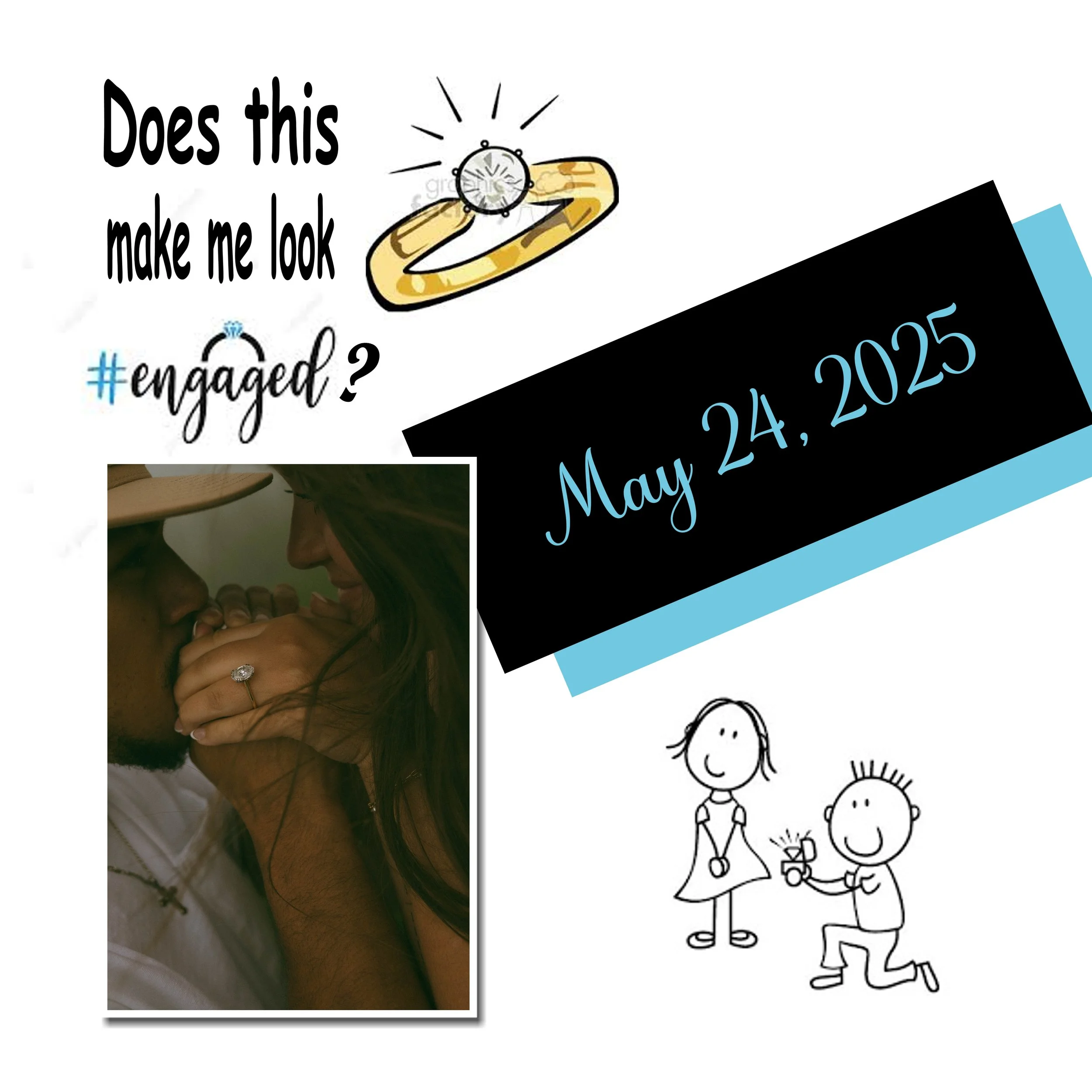
April
This is a page from my daughters love story album. It is made up of some items I borrowed from Google images. I used a picture of the engagement ring along with the cartoon of the proposal. Next, I layered some different color shapes and layered them at an angle with a text box of the proposal date.